Employees and assignments
Manage employee profiles, accounts, photos, services and availability.
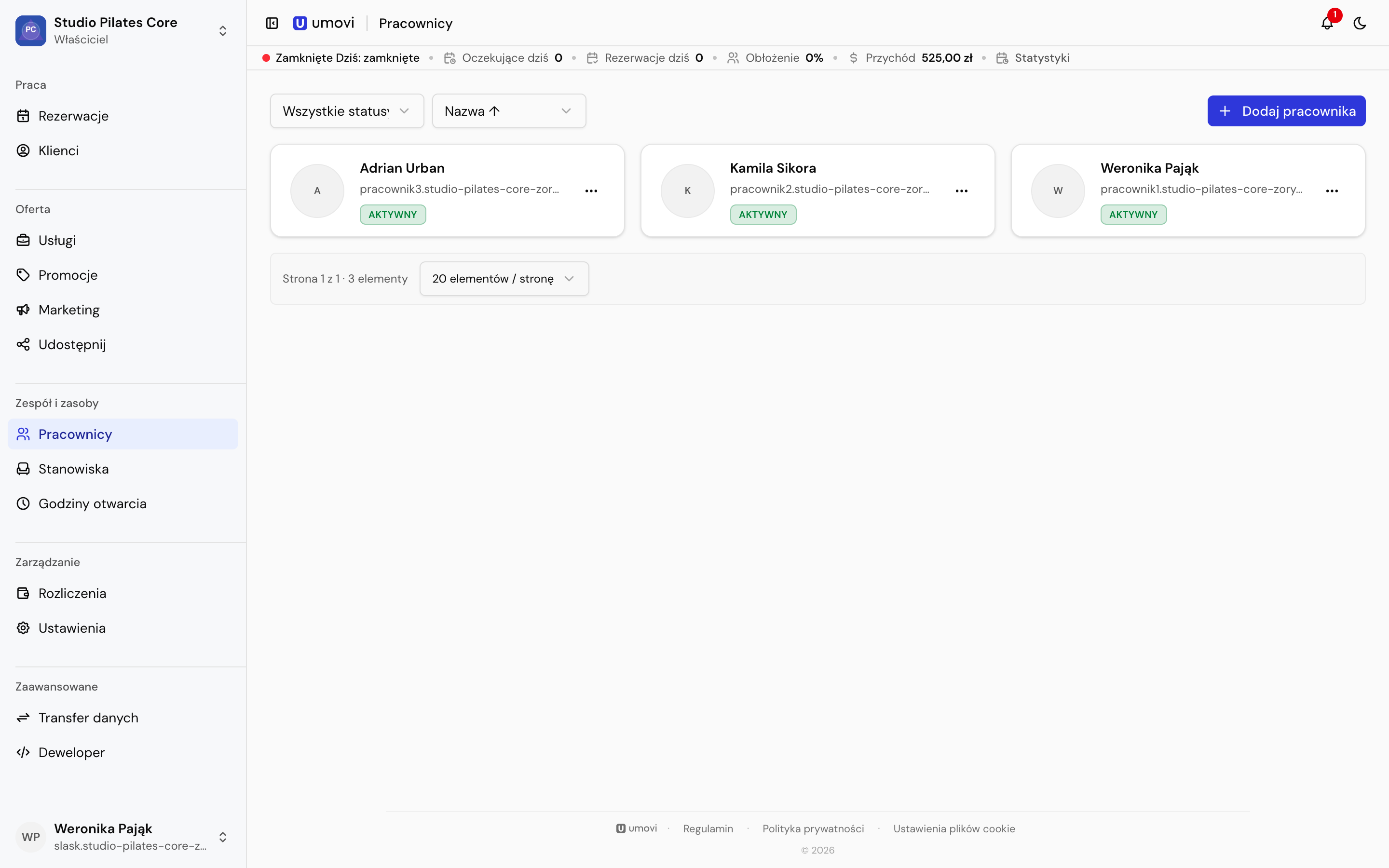
Add employees and change status
Select Add employee, enter a display name and optional contact details. Leave email or phone blank if unknown. You can activate, deactivate or delete an employee where the place's rules allow it.
Profile and account
Set the name, photo and linked user account in the profile. A linked account lets the employee sign in with their own credentials. An employee without manager access can edit only their own profile and availability.
Categories and services
Assignments work at two levels:
- Categories define the employee's basic service range.
- Direct service assignments extend or refine it.
In Categories and services, select a category and its subcategories, add individual services or remove direct assignments.
Calendar and availability
Open the employee's calendar and schedules from their profile. Regular hours and exceptions affect client availability and conflict checks for manual bookings.