Account, language and 2FA
Manage your profile, sign-in methods, language, devices and two-factor authentication.
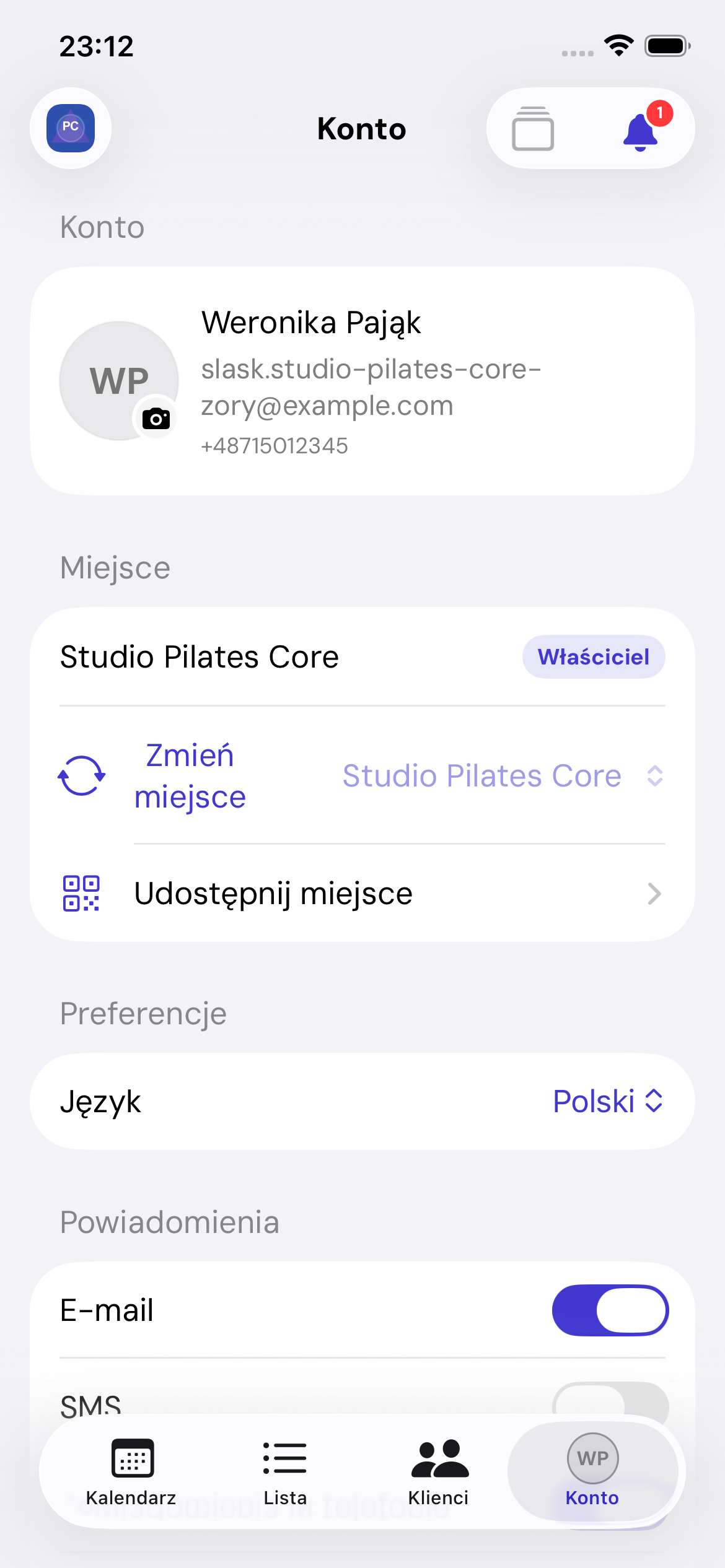
Profile photo
Tap Edit photo to use the camera, choose a photo or remove the avatar. The app checks the file type and size.
Language
Choose Language, then Polish, English, German, Spanish or Czech. The change applies immediately and is saved to your account.
Apple and Google
Link or unlink a sign-in method. You cannot remove your last access method; set a password or link another method first.
Two-factor authentication
To enable 2FA:
- Open setup.
- Copy the key, open your authenticator app or show the QR code on another device.
- Enter a code from the authenticator.
- Save the single-use recovery codes.
Disabling 2FA requires your password.
Signed-in devices
The list shows current and other sessions, recent activity and approximate location where available. Sign out a selected device. Signing out the current device returns immediately to sign-in.
Sign out
Signing out does not change calendars or bookings. Unsaved forms may be lost.