Availability exceptions in the app
Add breaks, leave, meetings, extra shifts and place-wide exceptions.
PathCalendar → press and hold + → Manage exceptions
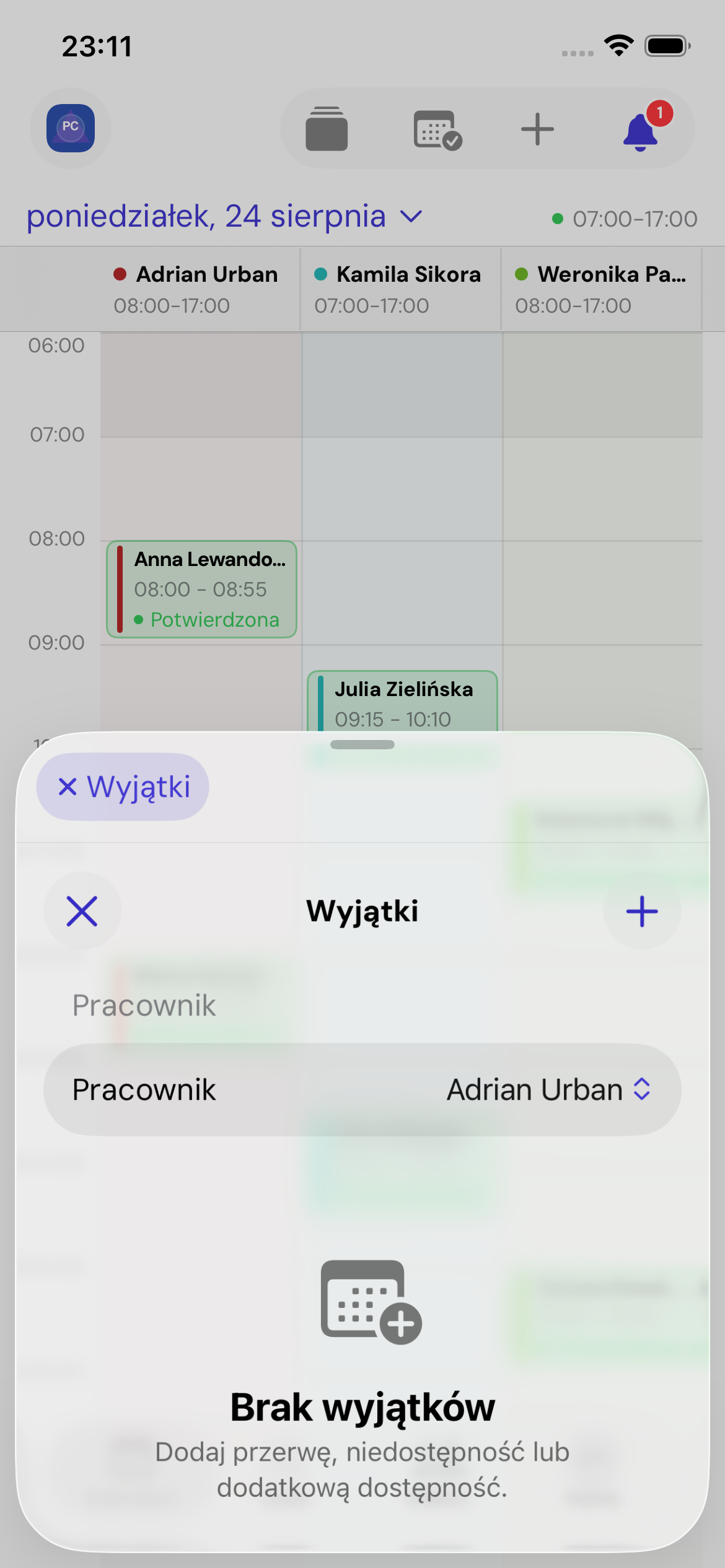
Types
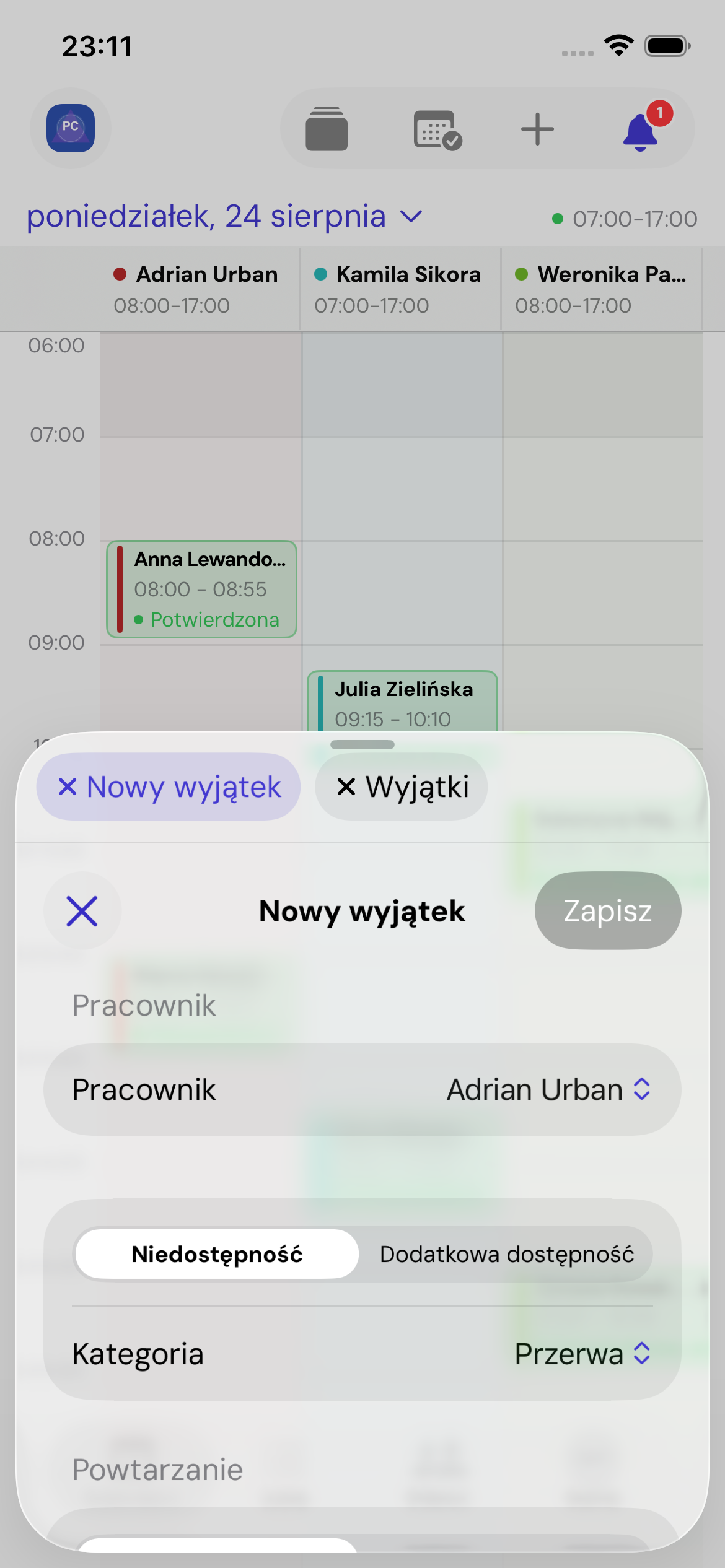
For an employee, choose Unavailability or Additional availability. Categories describe the reason: break, leave, holiday, meeting, other or extra shift.
Place-wide options are Place unavailability and Exceptional opening hours.
Add an exception
- Choose Add availability exception or Add place exception.
- Select an employee for an employee exception.
- Choose its type and category.
- Set a one-off date range or weekly recurrence.
- Choose all day or start and end times.
- Optionally add a description, then save.
Edit or delete
Open an item, update its details and save. Deletion cannot be undone. Dates and times use the place's time zone.