Place settings
Manage place details, branding, booking rules and client notifications.
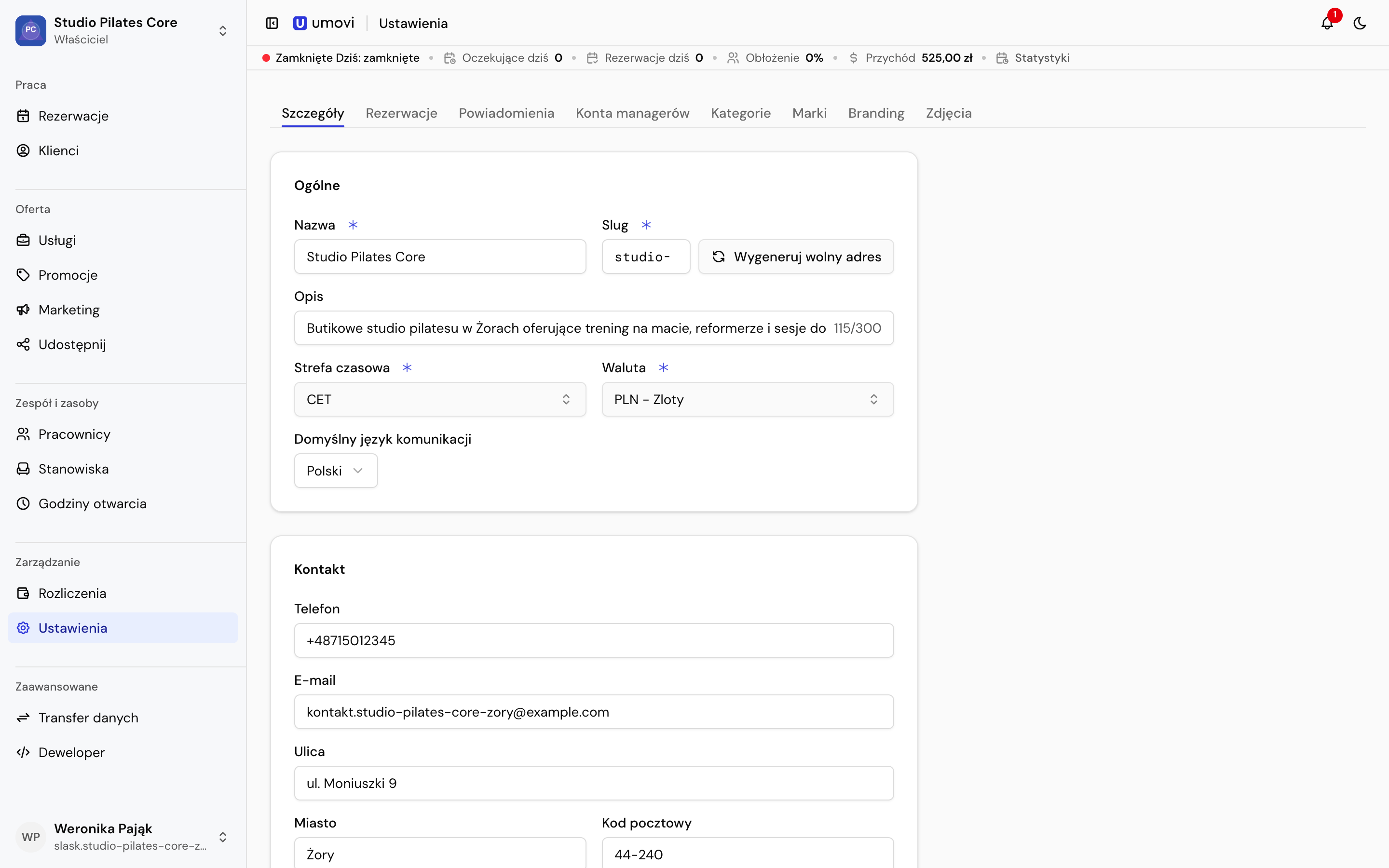
Place details
Edit the name, description, contacts, address, time zone, location and branding. The place time zone determines calendar, schedule and notification times.
Public profile
The Public profile switch makes the profile and new bookings available in Umovi client apps and to AI assistants. Turning it off removes the place from public search and makes its direct public profile unavailable. New bookings cannot be confirmed through the public AI flow, including drafts prepared before the profile was hidden.
Team bookings, authorised API integrations and management of existing bookings continue under their usual permissions. Hiding the profile does not disable the place account or change individual service visibility.
Logo and colours
Upload the place logo and choose Generate from logo to prepare a palette. Review the logo and contrast on the proposed backgrounds before saving. Changing colours does not update photos or place details.
Booking settings
Set the minimum booking lead time, booking horizon, confirmation rules and client rescheduling policy. An empty horizon has no future-day limit; 0 allows today only. The minimum lead time cannot exceed the horizon.
Separately choose which conflicts the team may override for manual bookings: employee or workstation occupancy, working hours and availability blocks. These settings also apply automatically when importing bookings.
Enable messages after booking controls further conversation. If disabled, clients can still add one optional message while making a booking.
Client notifications
Choose available push, email and SMS channels. SMS options are:
- when push is inactive, without waiting for a push delivery confirmation;
- always, including when push is active;
- disabled.
For each event, choose whether to create a notification and which channels may deliver it. Client preferences and available contact details take precedence.