Opening hours and workstations
Set regular place schedules and resources required by services.
Opening hours
PathWeb panel → Opening hours
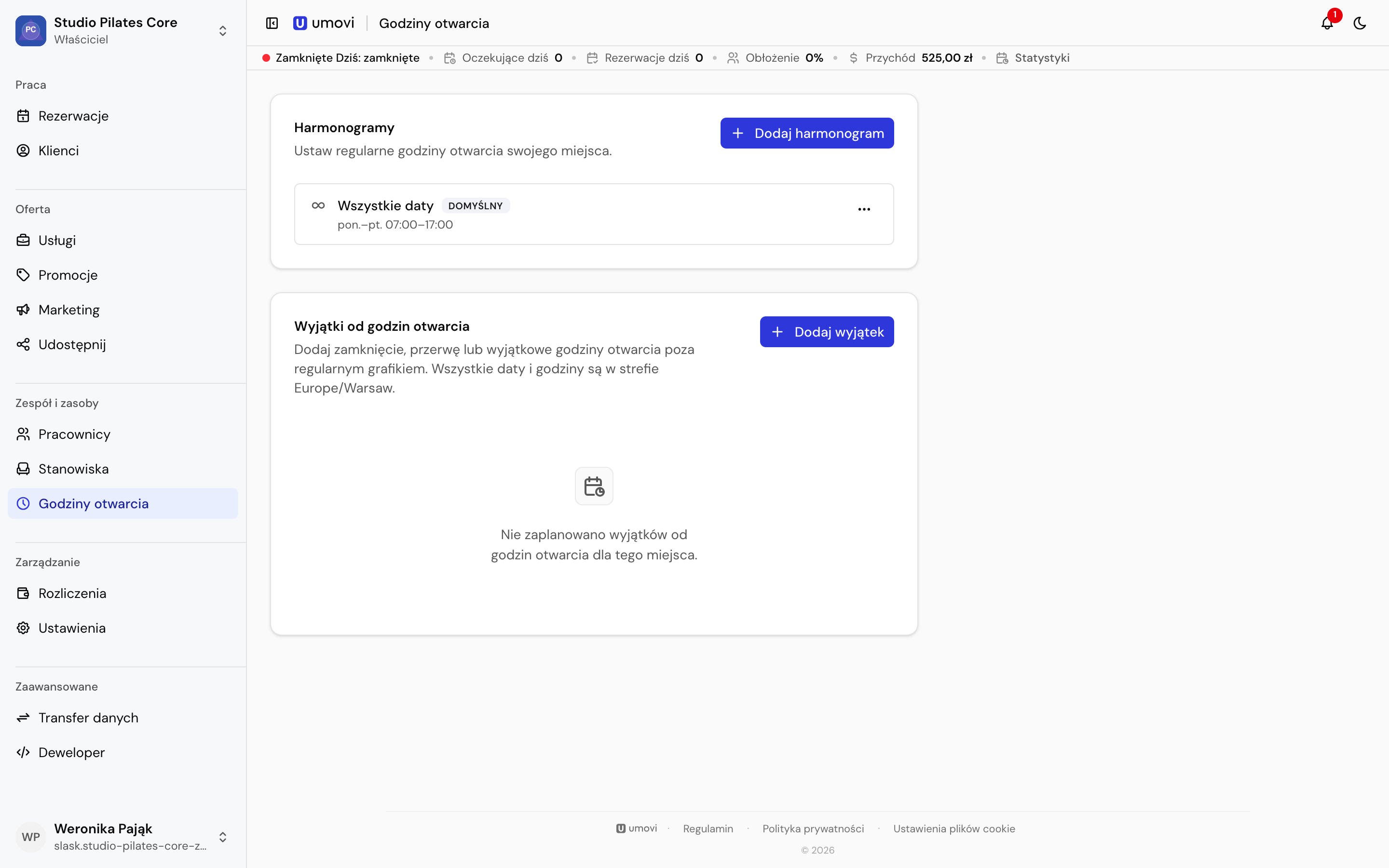
- Select Add schedule.
- Choose a weekly schedule or a specific date.
- Optionally set start and end dates.
- Mark each day open or closed and enter its hours.
- Save. If the schedule overlaps another one, decide whether to replace it.
Employees may have view-only access; owners and managers can edit.
Workstations
PathWeb panel → Workstations
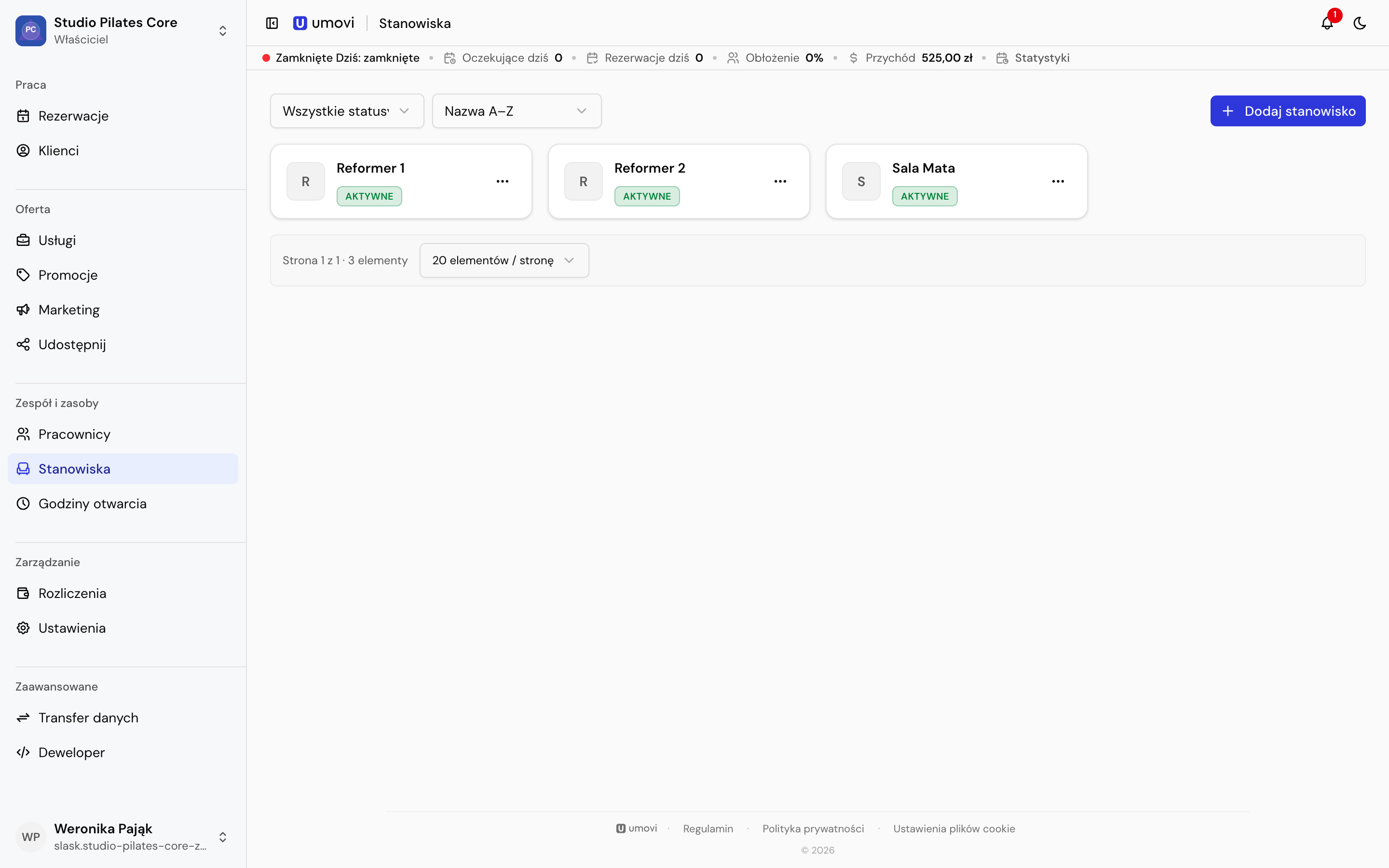
A workstation is a resource such as a room, chair or device. Give it a name and active status, then assign active workstations to services. Umovi checks their occupancy when checking a time.
Deactivate a workstation to exclude it from new bookings while retaining history. Deletion removes it from the place's resource pool.