Links and QR codes in the app
Share your place or a service without opening the web panel.
PathAccount → Share place
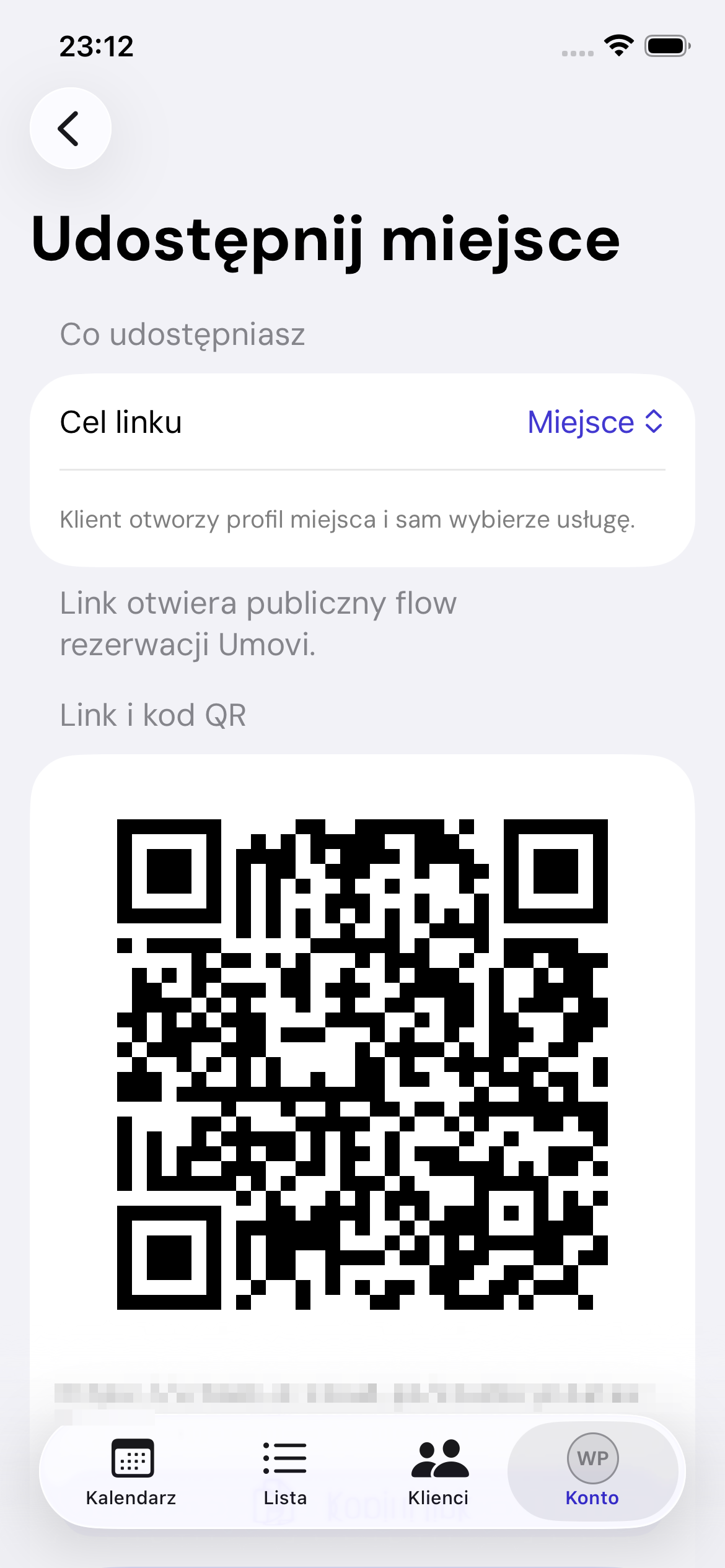
Link destination
Choose Place, Specific service or Service with an employee. For the latter two, choose an active public service and, where needed, an employee who performs it.
Copy and share
Once generated, use Copy link or Share to open the iOS share sheet. The QR code opens the same public booking journey.
Web equivalent: Share your place.