Notifications in the app
Read, filter and delete notifications, and manage your device channels.
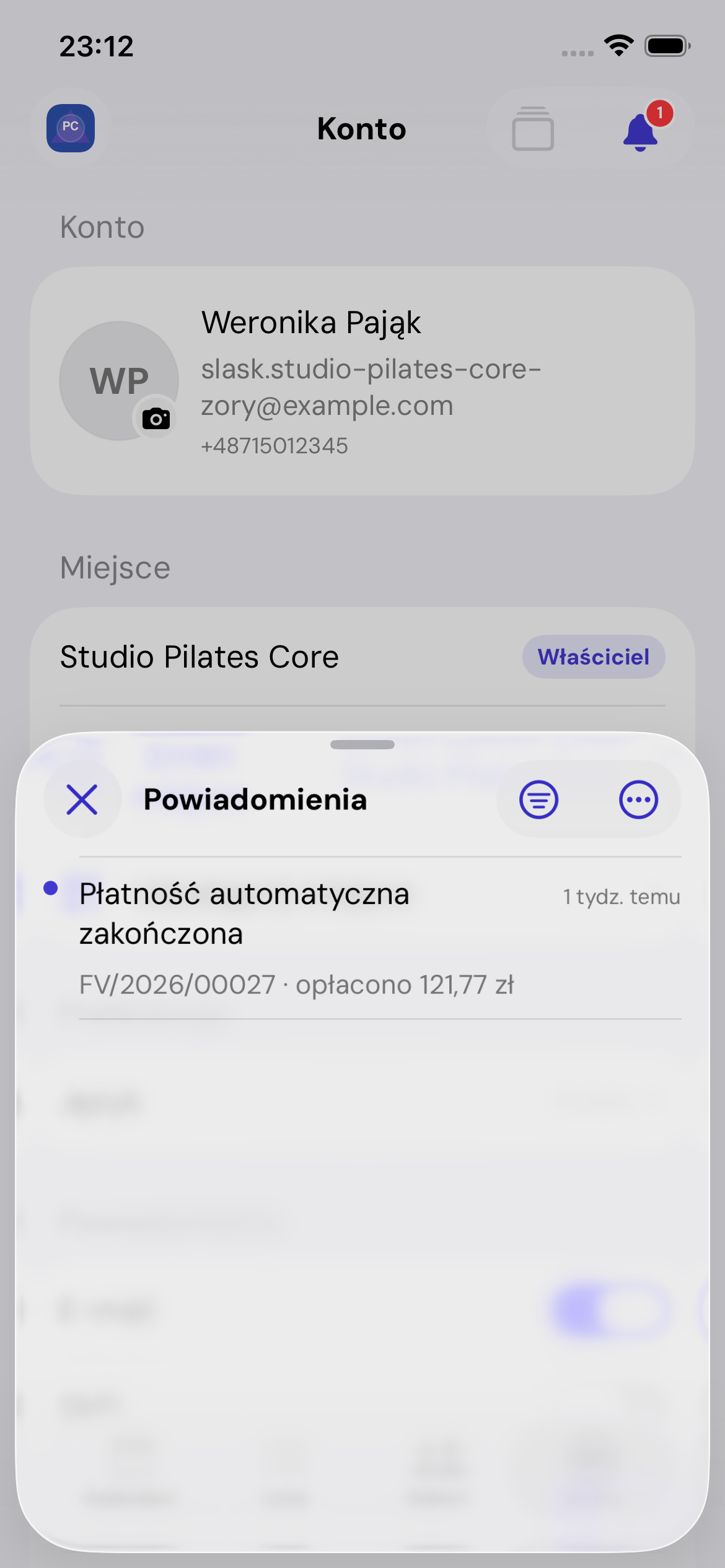
List and filter
Switch between All and Unread. Use the actions menu to mark all as read or delete all notifications. An individual item's menu lets you mark it as read or delete it.
Open an event
Tapping a notification can switch places and open a booking, message or billing item. If the place cannot be opened or your account lacks access, the app explains the problem.
System notifications
The initial iOS permission enables push notifications. If access is blocked, change it in phone settings. Account shows whether permission is enabled, provisional, not yet set or blocked.
Email and SMS
Account channels depend on verified email and phone details. SMS requires a verified number. Place settings determine eligible events; user settings determine whether the channel is active.