Services and categories
Build your service catalogue, set prices and visibility, and assign employees and resources.
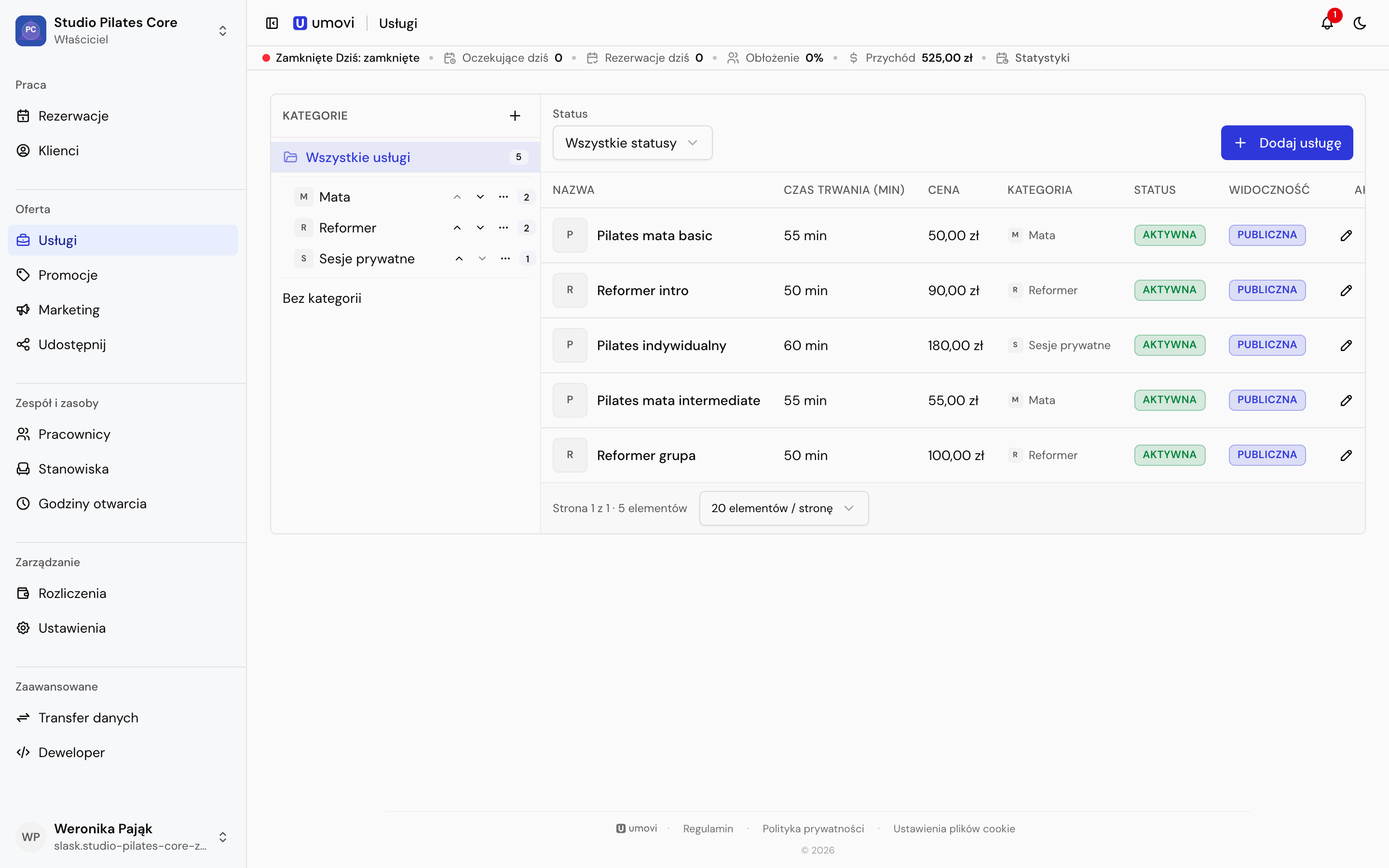
Categories
Categories can have parent and child categories. Prepare the structure, then assign services. You cannot delete a category while it contains subcategories or assigned services.
You can assign an icon and employees who normally perform the category's services.
Create a service
Set the name, description, search terms, duration, optional buffer, price, three-letter currency, category, active status and public or internal visibility.
Public services can be available to clients, integrations and AI booking tools. Internal services are for manual bookings made by the team.
Employees and workstations
Employees may be inherited from categories or assigned directly. Workstations limit concurrent resource use. If every assigned workstation is occupied, a time may be blocked.
Status and deletion
Deactivation keeps the history but excludes the service from new bookings. Delete a service only when it should no longer remain in the catalogue.