Umovi Calendar overview
A dedicated guide to managing your place on iPhone and iPad.
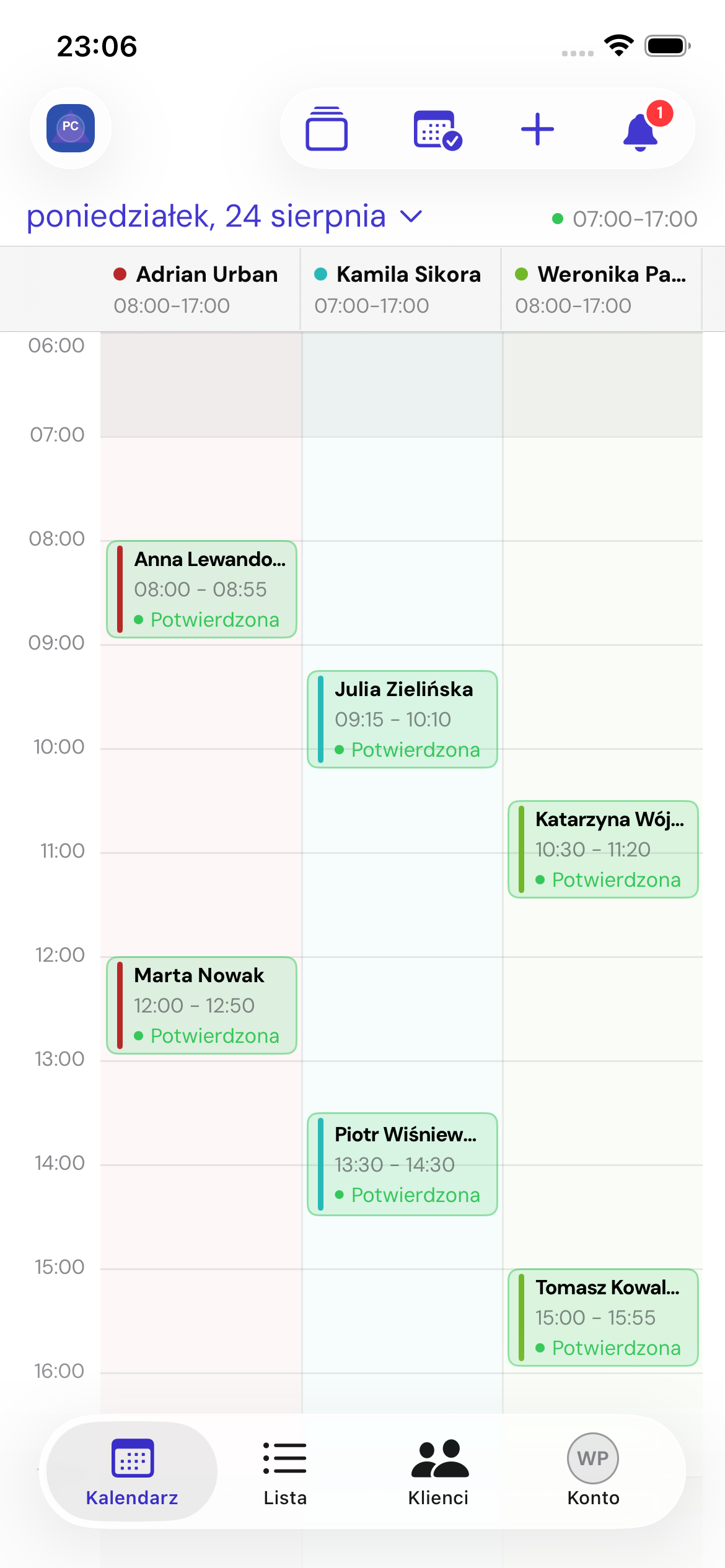
Umovi Calendar supports daily operations. Complete place configuration remains in the web panel.
Main tabs
- Calendar — day and employee calendars, bookings and availability exceptions.
- List — pending, upcoming and historical bookings, plus search.
- Clients — client list, profiles, bookings and records.
- Account — place, sharing, notifications, language, security and devices.
Open notifications using the bell in the top bar.
Settings in the web panel
For services, categories, workstations, regular opening hours, promotions, marketing, billing, data transfers and integrations, use the web panel guide.
Open tabs
On iPad and in the booking workspace, you can keep up to 15 tabs open. Hiding the workspace keeps the form. Closing a tab with unsaved changes requires confirmation.