Plans, payments and invoices
Review your plan, usage, invoice details, billing history and payment methods.
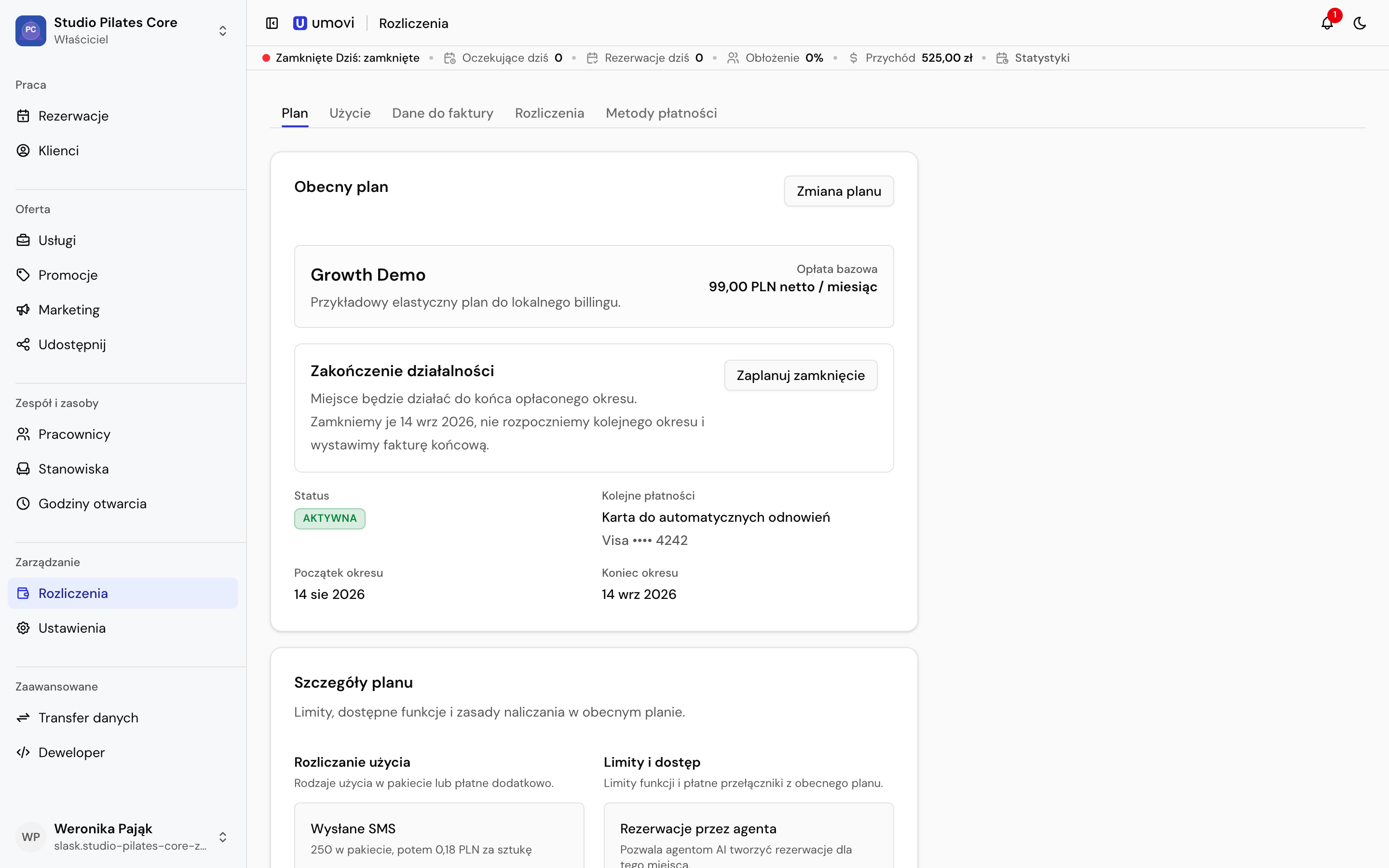
Plan
Plan shows the current plan, base charge, status, period and renewal method. Before changing a plan, review features, limits, effective date and the amount due.
Usage
Usage shows the current period, used quantities, included quantities, billable usage and estimated cost. Review counters for SMS, email, push, in-app notifications, new bookings and completed bookings. Charging rules and included allowances depend on the plan. Feature limits can cover employees, services, workstations, integration clients and webhooks.
Moving to lower limits may deactivate items above the new limit. Review the impact before confirming.
Invoice details
Enter the legal entity name, address, country and tax identifier. Check the details before changing plans or downloading documents.
Billing and payment methods
History includes payments, pro formas, invoices and corrections. Download ready documents, retry payment or change the method where available. In Payment methods, add a card, set the default and choose the renewal method.
Closing a place
The owner can schedule closure at the end of the paid period or cancel a scheduled closure. The panel shows the closure date and impact on future bookings.