Share your place from the web panel
Create links and QR codes for a place, service or service with an employee.
PathWeb panel → Share
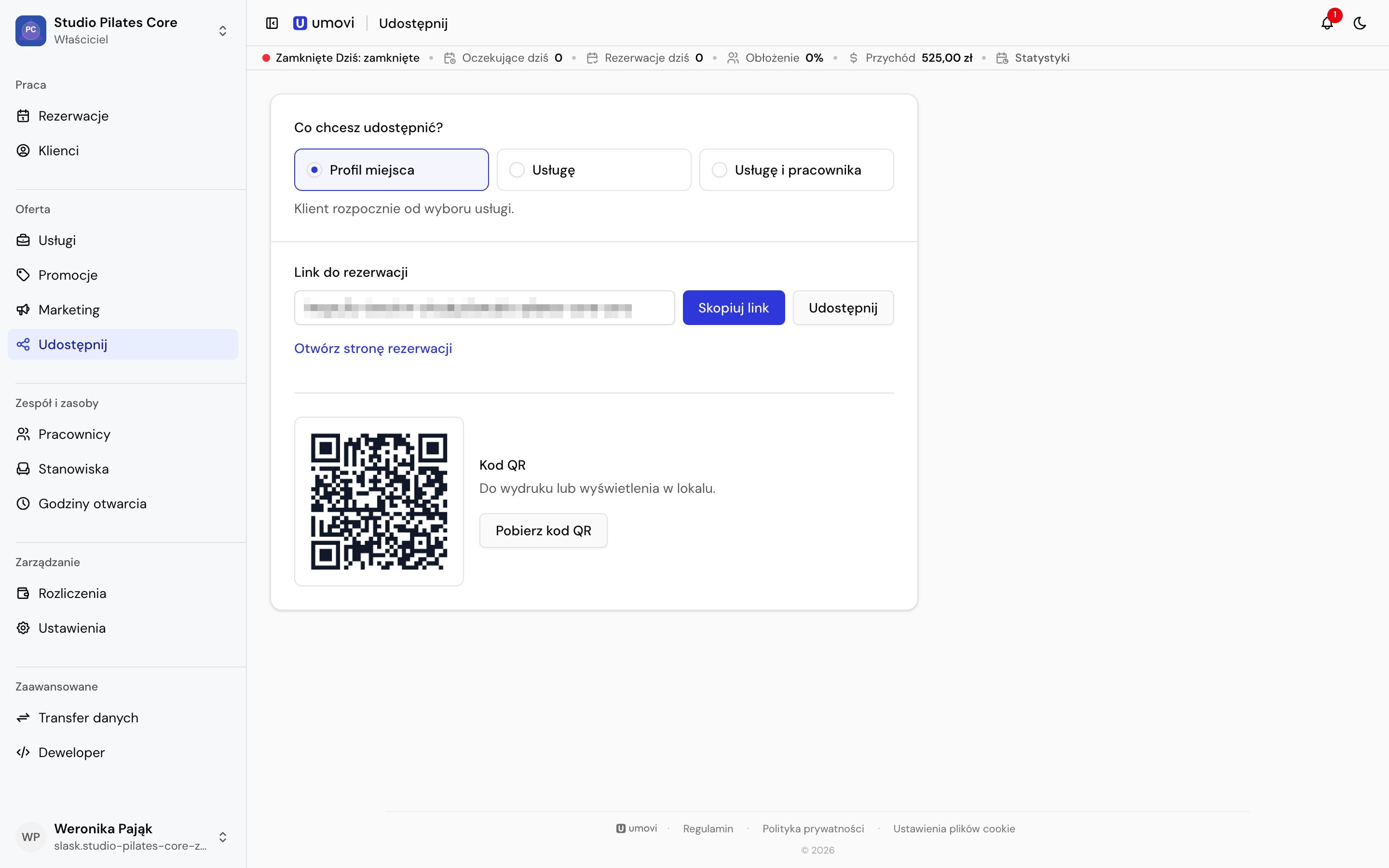
Choose a destination
You can share the entire place, a specific public service, or a service with an employee. For the whole place, clients choose a service themselves.
After selecting the required details, Umovi generates a link and QR code. Copy the link, download or print the code and use it in your place's materials.
Internal services are unavailable in public links.
Mobile equivalent: Links and QR codes in the app.