Signing in
Sign in with email and password, Apple or Google, and complete two-factor authentication.
Web panel
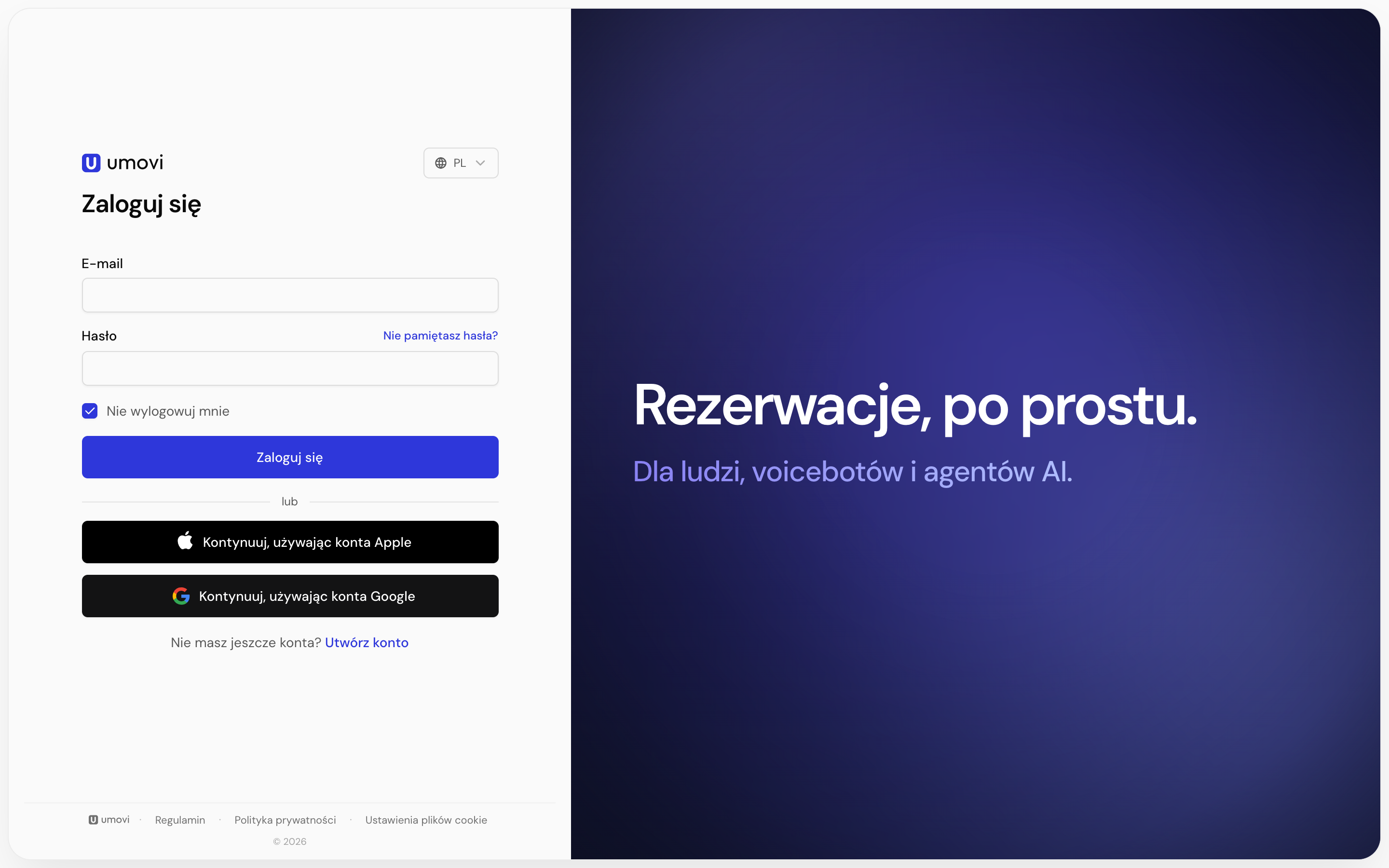
PathWeb panel → Sign in
- Enter your Umovi account email address.
- Enter your password.
- Optionally leave Keep me signed in enabled.
- Select Sign in.
You can also choose Continue with Apple or Continue with Google if that method is linked to your account.
Mobile app
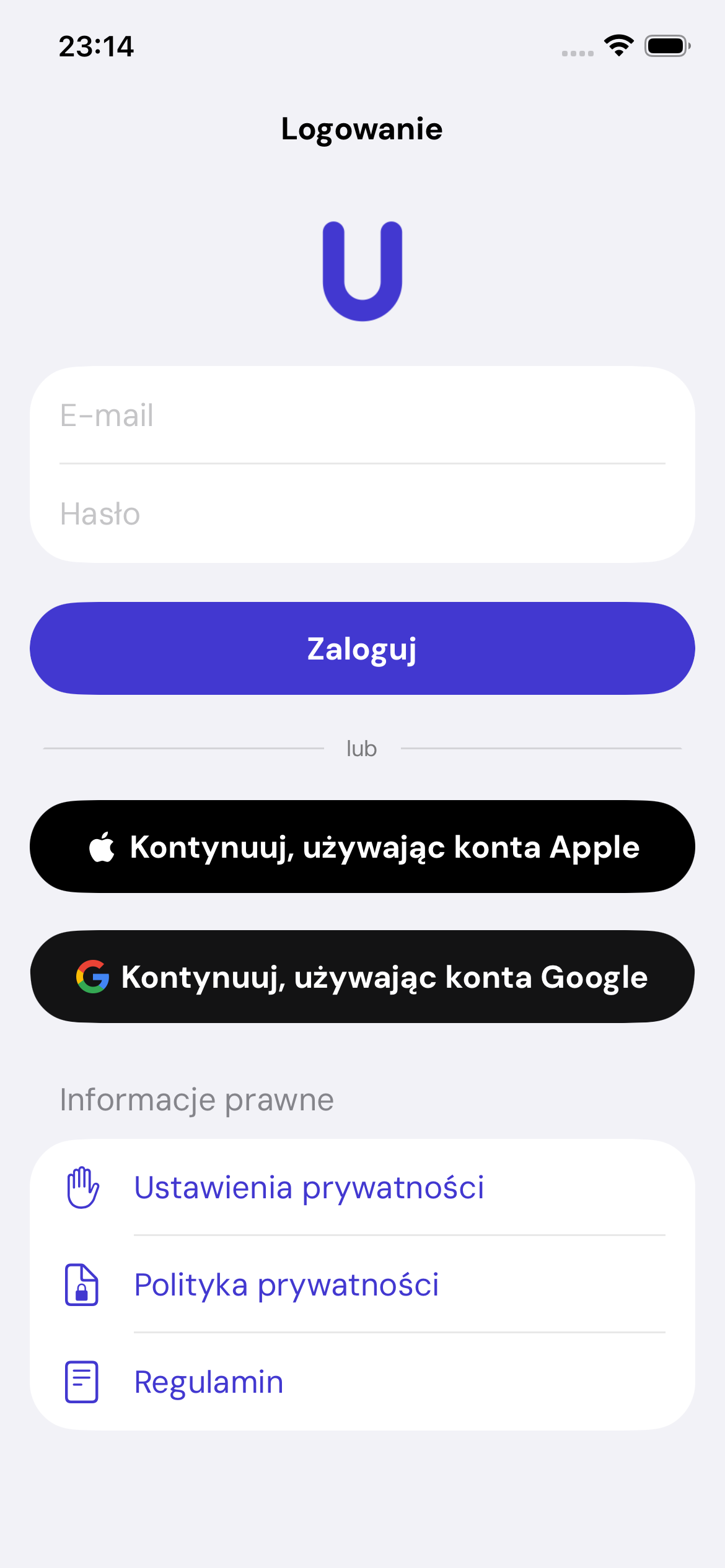
- Open Umovi Calendar.
- Enter your email and password, or choose Apple or Google.
- Select Sign in.
Two-factor authentication
If 2FA is enabled, enter the code from your authenticator app after your password. You can switch to Recovery code. Each recovery code works only once.