Daily and team calendars
Change dates, choose employees and open bookings from the timeline.
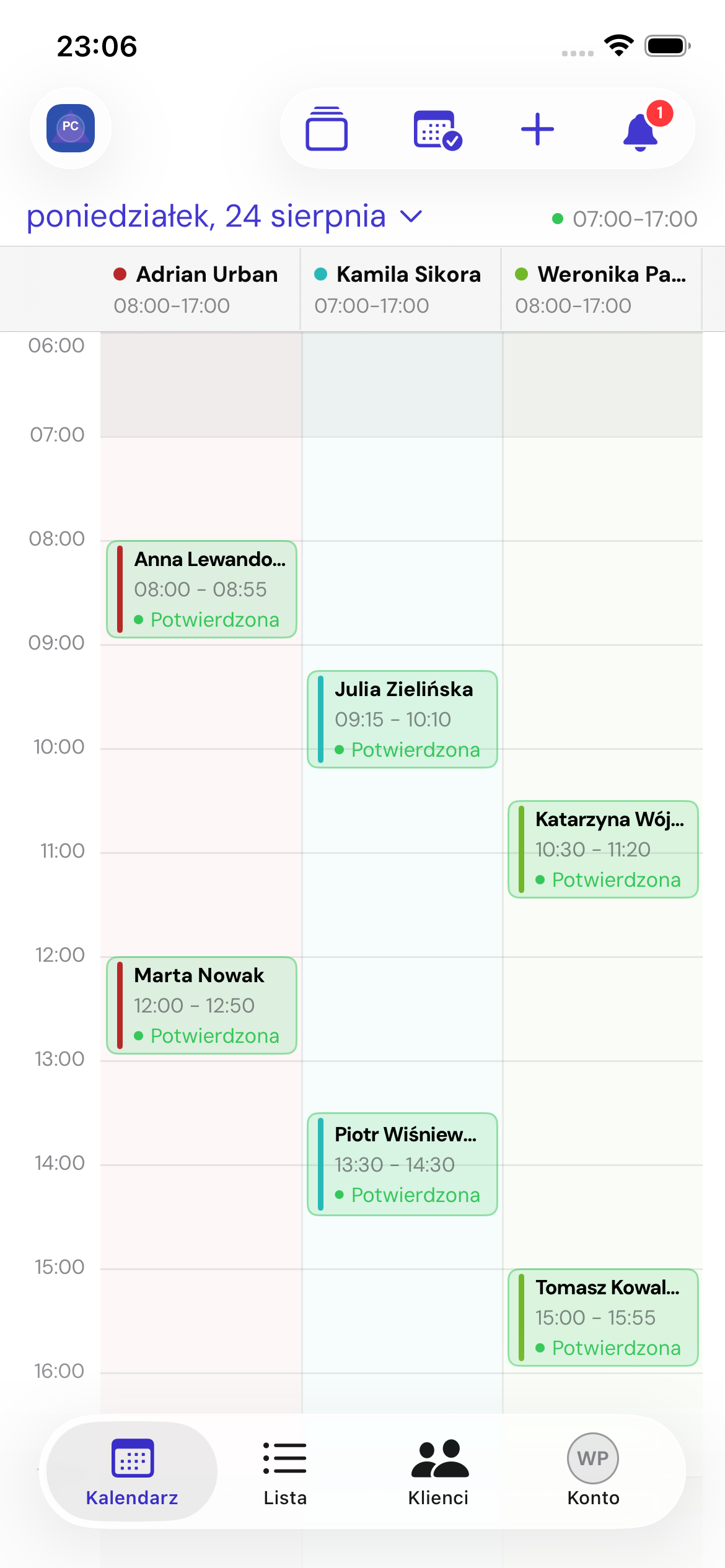
Change the day
Tap the date at the top to select a day, or use the previous and next day controls. The status beside the date shows whether the place is open.
Choose calendars
Owners and managers can select several people using Choose employee calendars, Show all or Hide all. Employees see the scope permitted by their access.
Bookings on the timeline
Tap a booking block to open details. Colour and labels indicate its status. Each column belongs to a different employee.
Edit on the calendar
In booking details, choose Edit on calendar to move the booking or adjust its start and end. Precise five-minute actions are also available. Saving checks conflicts again.
The plus button
Tap briefly to create a booking. Press and hold for a menu containing bookings and employee or place availability exceptions.
See the full list in Booking list and search.