Client list and profiles in the app
Find, sort, add and edit clients on your phone or tablet.
PathUmovi Calendar → Clients
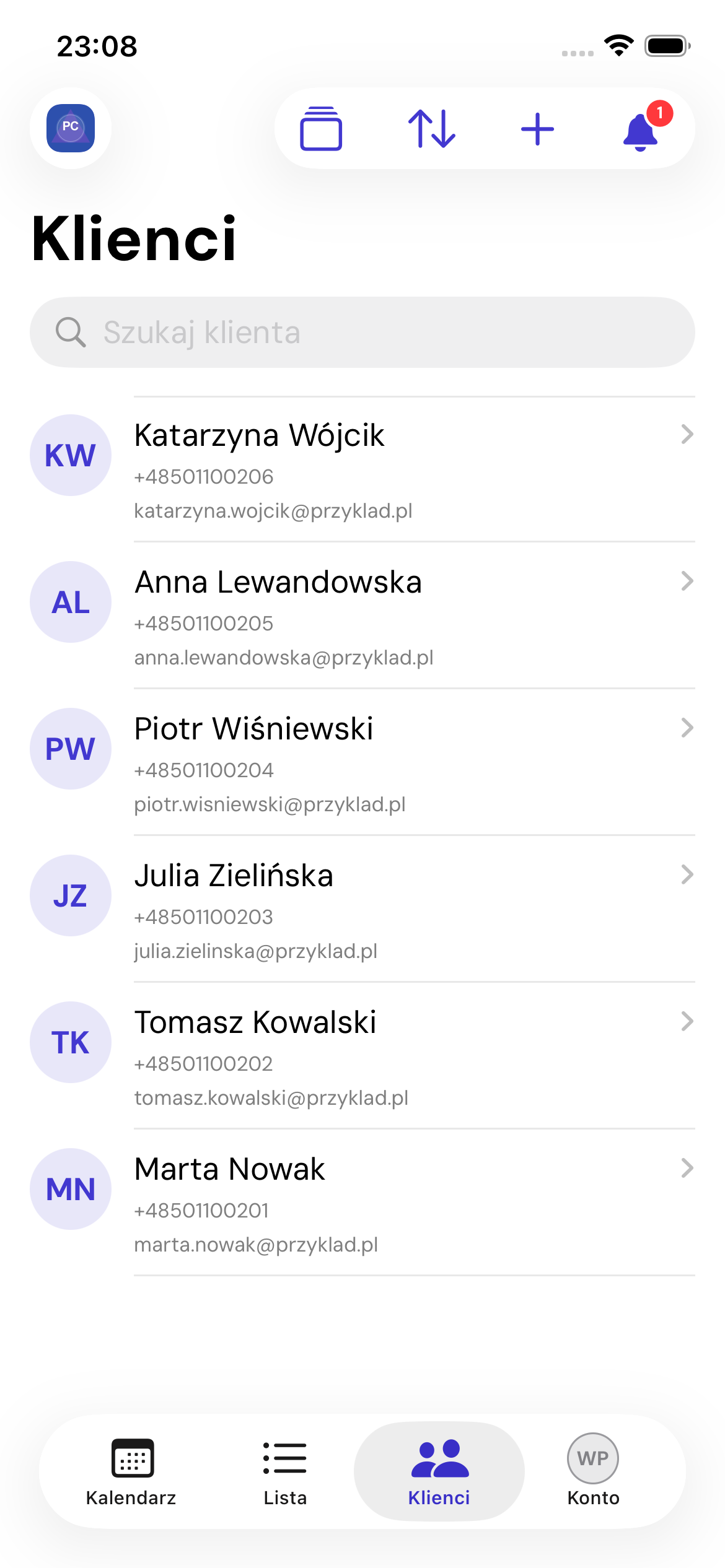
List
Search by name, phone or email. Sort by newest, name, email or phone. Pull down to refresh.
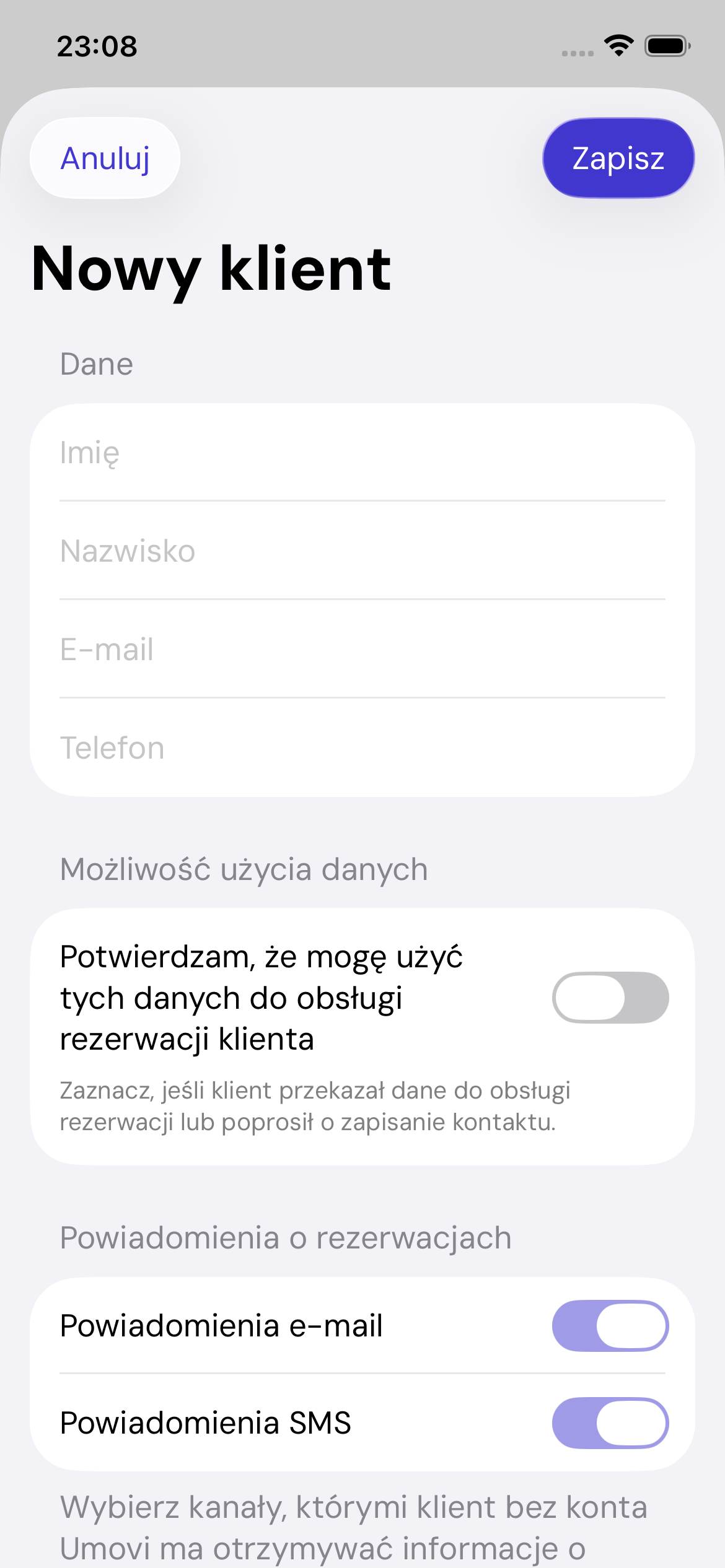
Add a client
Tap plus and enter first and last name, plus at least an email address or phone number. Set notification channels, any marketing consent and the option to invite the client to Umovi.
Profile
The profile shows contacts, details, recent bookings and a button to open the client record. Phone numbers and email addresses are actionable links when the system supports them.
Edit
Update details, consent and communication settings, then save. If a verified email or phone points to another profile, the app stops the save and asks you to check the duplicate.
Web equivalent: Clients and communication.